
How to remove noise from a photo
- Add your photos. Drop them anywhere on the page, paste one, or click the box and choose files. JPEG, PNG, WebP and iPhone HEIC photos work. The list shows how many pieces each picture will be worked on in.
- Press the button. The first time, the page downloads the model (73 MB, kept by your browser). Each picture is then cleaned piece by piece, and the page shows how long is left.
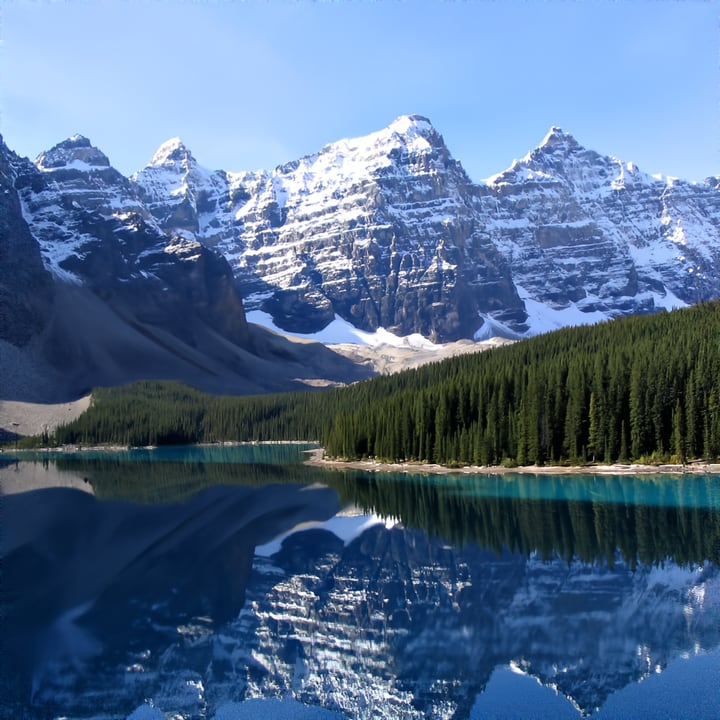
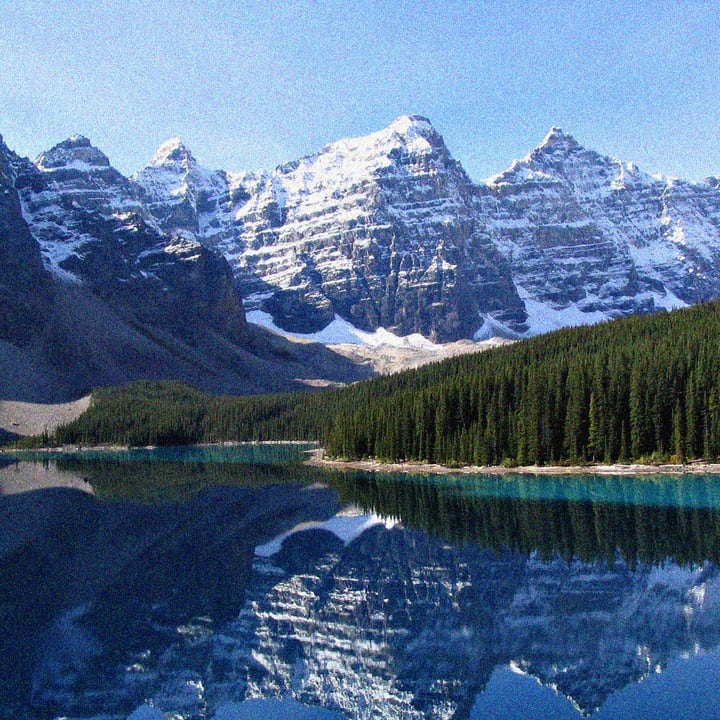
- Compare. Click a picture in the list and slide the line over it to see the original on the left and the cleaned picture on the right.
- Choose how much noise goes with the slider. 100% is everything the model removed. Lower it to keep some grain, which often looks more natural; 0% is the original. The finished pictures change at once, without running the model again.
- Download each picture, or all of them as a ZIP. Save as JPG (quality 50 to 100, starting at 92) or PNG.
What it fixes, with numbers
The model is SCUNet, made to take out the noise of real photos and the damage of JPEG compression. We tested it on 20 photographs shrunk to about 320 pixels, damaged on purpose so that we had the clean original to compare with. The score is PSNR (higher is closer to the original), and SSIM is a second score from 0 to 1.
| Damage | Before | After | What to expect |
|---|---|---|---|
| Noise (added grain, strength 25) | 20.6 dB, SSIM 0.42 | 31.2 dB, SSIM 0.89 | A large improvement: the grain is mostly gone |
| JPEG blockiness (quality 15) | 27.3 dB, SSIM 0.80 | 28.9 dB, SSIM 0.85 | A small improvement: blocks and fringes soften |
| Blur (a soft, out-of-focus look) | 25.1 dB | 24.9 dB | No help: it is not made for blur |
| Motion blur (a shaken camera) | 23.1 dB | 23.1 dB | No help |
So use this page for grain and noise, which is its strength, and for mildly blocky JPGs. It will not sharpen a blurry photo, and no setting here changes that. For making a small picture bigger and crisper, see the image upscaler.
Through the page, in a browser, we got the same kind of result: a 512-pixel picture with noise of strength 25 went from 20.6 to 29.4 dB, and a 1000 × 700 picture with noise of strength 20 went from 22.2 to 35.5 dB. A picture with a lot of fine, random texture, such as grass or fur, gains less (a 256-pixel crop of a meadow went from 20.4 to 26.2 dB), because the model cannot always tell texture from noise and smooths some of both.
Things to know
- It can look soft. Removing noise removes some fine detail with it. The slider is there for that: 70% or 80% often keeps a natural look. This version of the model is tuned to stay faithful to the picture rather than to add sharp-looking detail, so it does not invent texture.
- Our numbers use grain added by computer, which is the only way to have a clean original to measure against. The model was trained for real photo noise too, and real noise varies from camera to camera, so your results will differ.
- Pictures with see-through areas keep their transparency (save as PNG).
- Metadata is not kept. The new file is a fresh picture, so camera details and GPS location are left behind. The phone rotation tag is applied first.
- The size is the same. A picture up to 36 megapixels is accepted; a bigger one is refused with a reason. Make it smaller first with the image resizer.
Speed: the graphics chip or the processor
The page works on a picture in square pieces of 448 pixels, each with a little of its neighbors around it so that the pieces join up: a 12-megapixel photo is about 60 pieces. When your browser offers it (current Chrome and Edge do on most computers), the page uses the graphics chip: about 1.5 seconds a piece on an Apple M1 Max laptop, so roughly 90 seconds for a 12-megapixel photo (worked out from the time per piece). Otherwise it uses the processor, which is about 15 times slower: roughly 20 seconds a piece, fine for a small picture and a long wait for a big photo. The page says which one it is using before you start, and if the graphics chip fails halfway it switches to the processor by itself. Stop ends the run. We checked that the page's result matches the same model run natively on the whole picture (over 39 dB between them), so the pieces do not leave seams, and that the processor and graphics chip results agree. We have not tested phones.
About the model
SCUNet ("Swin-Conv-UNet") is described in a 2023 paper, Practical Blind Image Denoising via Swin-Conv-UNet and Data Synthesis, by Kai Zhang and colleagues. The code and weights are under the Apache-2.0 license, and this page uses an ONNX copy of the "real, PSNR" weights from the Heliosoph/scunet-onnx repository on Hugging Face, pinned to one version. It runs in this tab through ONNX Runtime.
Privacy
The picture is processed in this tab. For what the site collects, see our privacy policy.
Frequently asked questions
How do I remove noise from a photo for free?
Drop the photo on this page, press the button, and compare with the slider. Lower the Noise removed slider if the result looks too smooth, then download it.
Can it fix a blurry photo?
No. In our tests it did not improve blur at all, neither soft focus nor camera shake. It is made for noise and compression damage.
Why does the result look soft or smooth?
Because noise and fine detail are hard to tell apart, and removing one takes some of the other. Use the slider to keep part of the original grain, which usually looks more natural.
Why is it so slow on my computer?
Your browser is probably using the processor instead of the graphics chip, which is about 15 times slower. The page says which one it is using. Chrome and Edge on a recent computer usually offer the graphics chip.
Does it work on JPEG artifacts?
A little. On a JPG saved at quality 15, the score went from 27.3 to 28.9 dB: the blocks soften, but it does not rebuild lost detail.